
Ask Claude or ChatGPT about any analyst, briefing or insight, and get answers drawn from your own AR program.
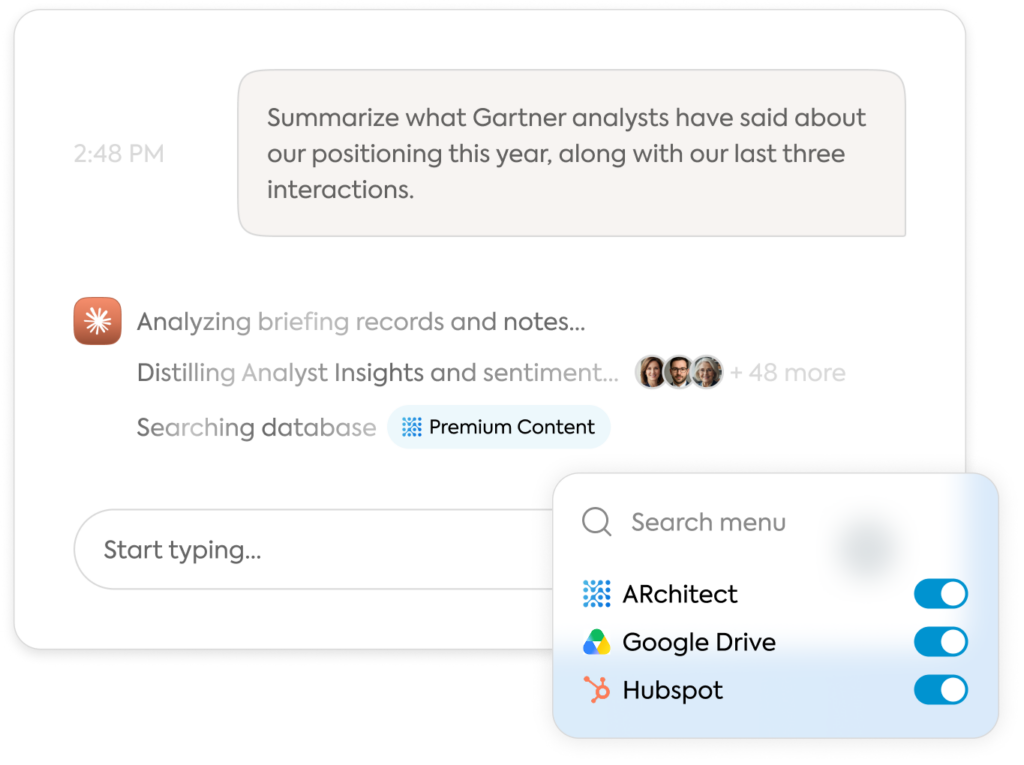

Ask an AI assistant how your analyst relationships are going, and it can only guess. It can’t see your briefing history, what analysts told you last quarter, or which evaluations are underway. So the real answers still take an export, a spreadsheet and an afternoon.
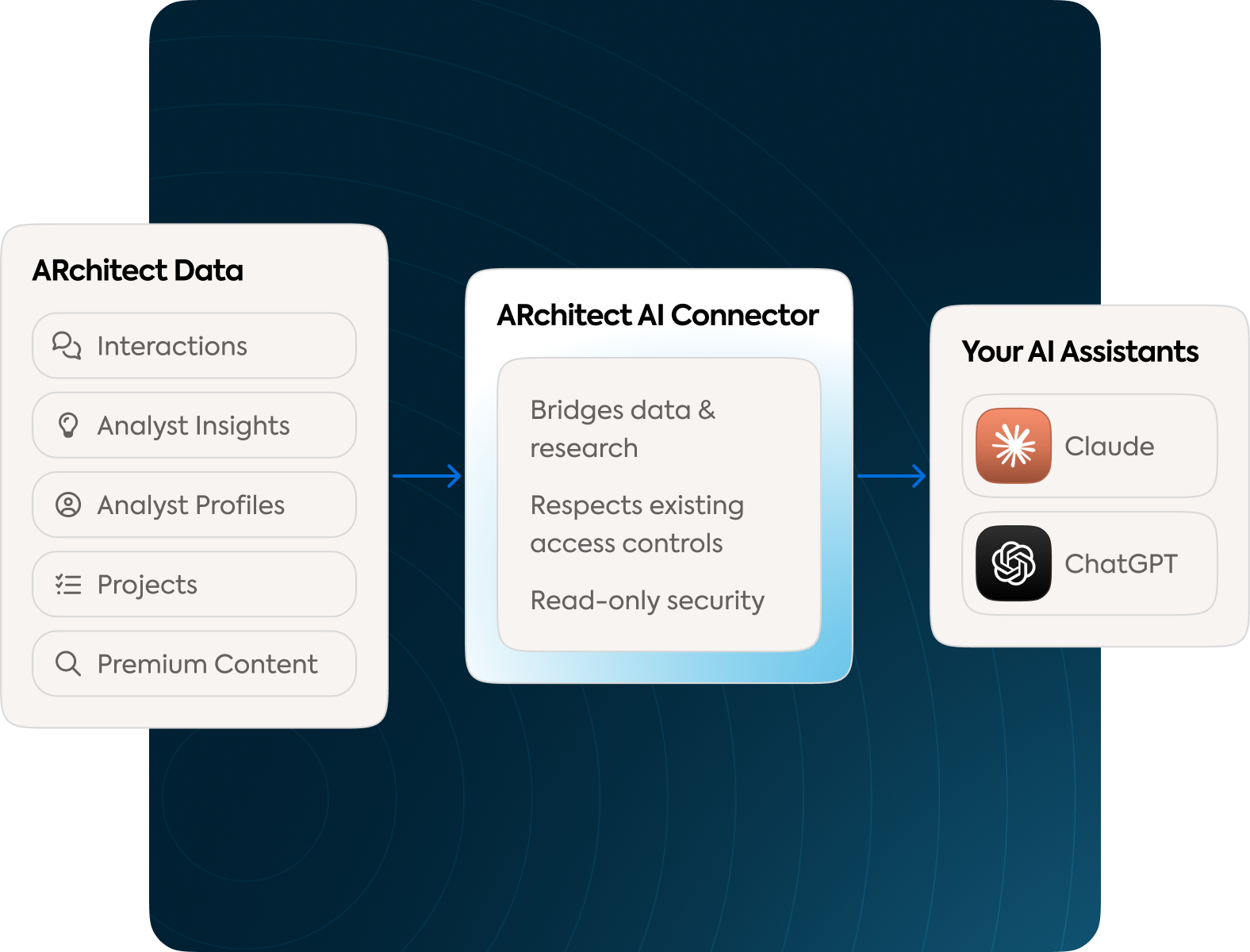
The ARchitect connector changes that. It gives Claude and ChatGPT secure access to everything your team has logged in ARchitect, plus the analyst research in your Premium Content subscription. Just ask, and get answers grounded in your own analyst relations data.
Your assistant may already be connected to your CRM, email, files or team chat. Add ARchitect, and one question can pull from all of them. What used to take two exports and a VLOOKUP now takes one sentence.
Pair ARchitect with
Ask
So you can
CRM
 Salesforce
 HubSpot
“Which analysts cover the markets in our top open deals, and when did we last brief them?”
Tie AR activity to pipeline and revenue
Email and calendar
 Outlook
 Gmail
“Which analyst meetings are on my calendar next week, and what did we last discuss with each?”
Walk into every meeting prepared
Files
 Google Drive
 SharePoint
“Compare what analysts said about us this year with our latest positioning doc.”
Spot message gaps before your next briefing
Chat
 Slack
 Teams
“Post a summary of this week’s analyst insights to our product channel.”
Get analyst insight to the teams who need it
Ask by: date range, firm, analyst, interaction type
Spot gaps in coverage and briefing cadence
Ask by: analyst, firm, category, sentiment, author
Turn analyst feedback into clear takeaways and next steps
Ask by: name, firm, coverage, country, group
Walk into every conversation with context
Ask by: firm, analyst, coverage, type, status, lead
See where every evaluation and report stands
Ask by: keyword, across the research in your subscription
Find relevant research a web search misses, with title, firm, authors, date and link
See the big picture and show AR’s impact.
Do more with a lean team.
Get credible answers without chasing anyone down.
Bring analyst insight into everyday decisions.
Yes, as long as the connection respects your existing access controls. The ARchitect connector works through the AI workspace your company has already approved, such as enterprise Claude or ChatGPT, so your data stays covered by that agreement.
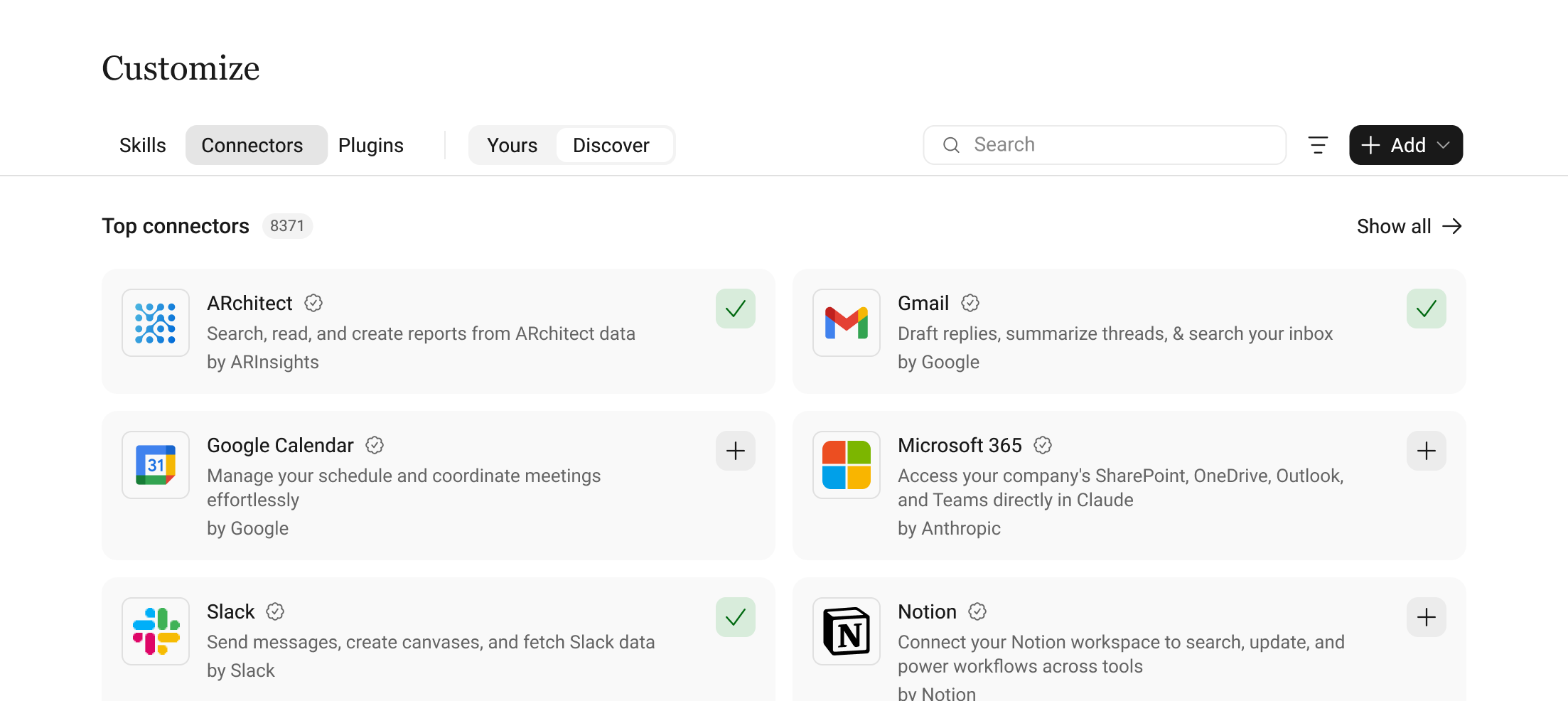
Yes. With the ARchitect connector, your assistant can answer questions using your team’s interactions, insights, analyst profiles, projects and research, not just what’s on the public web.
It’s the technology behind the ARchitect connector. MCP (Model Context Protocol) is an open standard that lets AI assistants like Claude and ChatGPT securely read data from business systems. The ARchitect MCP Server uses it to connect them to your ARchitect data and Premium Content.
No. Your AI assistant writes the answers, and ARchitect supplies the data behind them. The connector simply gives the assistant you already use secure access to your AR program.
The API is for developers who move data into systems like a CRM or dashboard. The connector is for everyone else: you ask questions and your assistant finds the answers.
You can check them. Ask your assistant which interactions or insights it used, then review them in ARchitect.
For now, the connector is read-only, so it won’t create or edit records. Events, emails and AR Connect aren’t included yet.
Connect ARchitect to Claude or ChatGPT and ask your first question today. Not an ARchitect customer yet? See it in action.
Book a demo to see how ARchitect helps you discover influencers, manage relationships, monitor the buzz, and make better decisions.


